Keurig All Lights Flashing: Keurig’s Own Fix Sequence

Add Water, Heat and Medium Cup flashing together
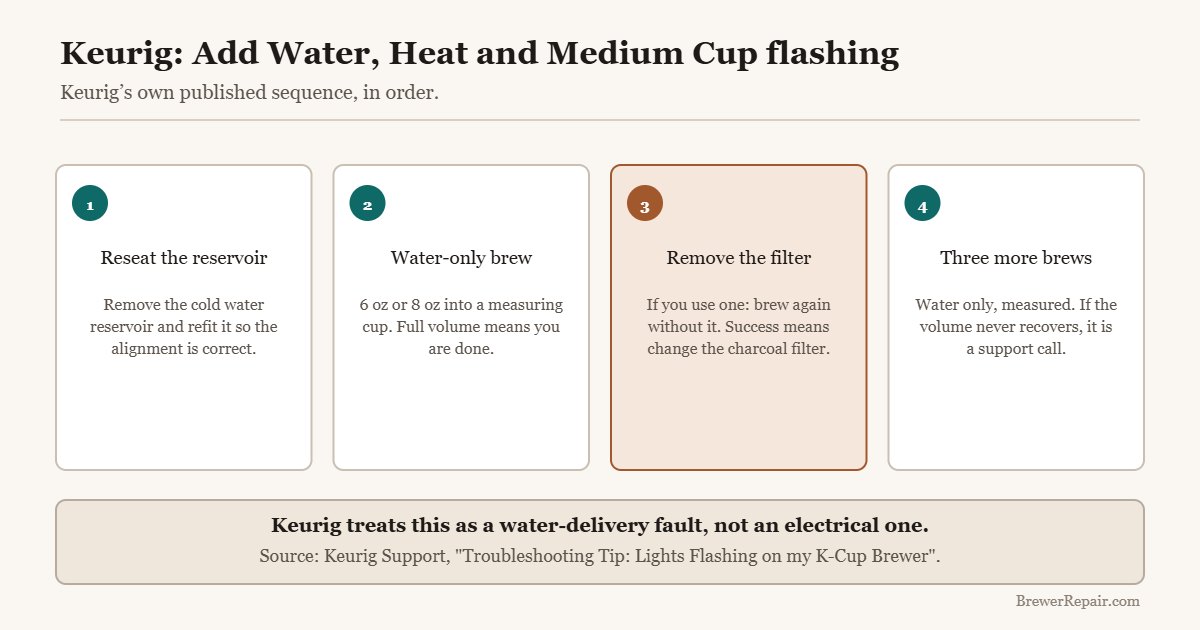
Keurig treats Add Water + Heat + Medium Cup flashing as a water-delivery fault. Reseat the reservoir, then run a measured water-only brew: full volume means you are done, short volume means remove the water filter and try again.
What this code actually means
The brewer is not delivering the expected water volume. Keurig documents this as a water-delivery problem — reservoir seating, water filter restriction or flow — rather than an electrical fault.
Reset sequence
Run these in order. If the code returns immediately, the underlying fault is still present — see the repair guide below.
-
Reseat the cold water reservoir
Remove it completely and refit so the alignment is correct.
-
Water-only brew, 6 or 8 oz, into a measuring cup
Expected volume means finished; short volume means continue.
-
Remove the water filter and brew again
If that works, fit a fresh charcoal cartridge and refit the holder.
-
Three more measured water-only brews
If volume never recovers, Keurig says contact Customer Service.
When the Add Water, Heat and Medium Cup lights flash together on a K-Cup brewer, it looks electrical and it is not. Keurig treats this pattern as a water-delivery problem, and their published troubleshooting sequence is entirely about getting water through the machine — reservoir, filter, flow volume.
That reframing matters, because it means the fix is usually free and takes ten minutes rather than a support call.
What you need
A measuring cup and a mug. That is Keurig’s own materials list, and the measuring cup is not optional — the entire sequence turns on whether the machine dispenses the expected volume, which you cannot judge by eye.
Step 1: Reseat the cold water reservoir
Remove the reservoir completely and refit it, making sure the alignment is correct. A tank that is a few millimetres proud does not open its base valve, and the brewer reads that as no water available.
While it is off, check the mesh screen in the tank base. A film of scale or biofilm across it starves the pump and produces the same symptom.
Step 2: Run a water-only brew and measure it
Brew on the 6 oz or 8 oz size with no pod, into the measuring cup.
- The expected amount comes out — troubleshooting is finished and the brewer is ready to use. The lights should clear.
- Less than expected — continue to step 3.
Step 3: Take the water filter out
If you use a charcoal water filter, remove it and run another water-only brew into the measuring cup.
- The brew is now correct — the filter was the restriction. Fit a fresh charcoal cartridge and put the holder back in.
- Still short — continue to step 4.
This step catches a common and easily missed cause: a cartridge left in far past its interval swells and restricts flow rather than simply becoming ineffective.
Step 4: Three more water-only brews
Run three further brews at 6 oz or 8 oz, measuring each one. By the last brew, is the correct volume coming out?
- Yes — an airlock has cleared itself and the machine is fine.
- No — Keurig’s instruction at this point is to contact their Customer Service team.
What Keurig’s sequence does not cover
The published steps stop at the point where the brewer still will not deliver volume. Two things are worth trying before you make that call, because both are free and both produce exactly this symptom:
- Blocked needles. Grounds pack into the entrance and exit needles and restrict flow. Clearing them with a needle tool or a straightened paperclip takes five minutes. Note this affects pod brews more than water-only brews, so it can pass Keurig’s test and still be your problem in daily use.
- Scale. If the volume has been drifting down over months, a full descale with the thirty-minute stand often restores it — see the descaling guide.
If none of it works
A brewer that will not deliver volume after reseating, filter removal, repeated priming brews, needle cleaning and a descale has a pump or intake problem. At that point the question is no longer how to fix it but whether to — see is a Keurig worth repairing for the numbers.
If your machine shows no lights at all rather than flashing ones, that is a different fault entirely: start here instead.
The filter Keurig tells you to pull
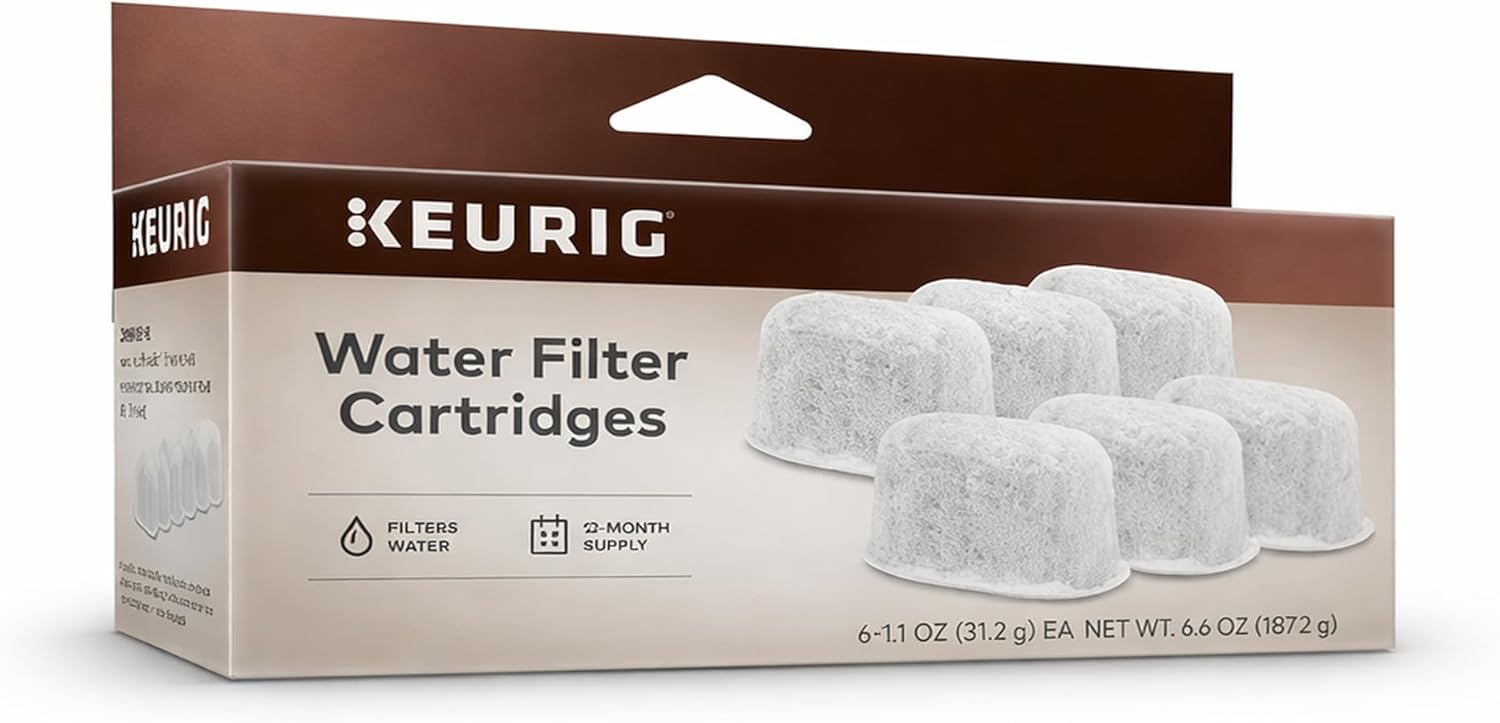
Step three above is Keurig’s own instruction to remove the water filter and rebrew. If that clears the flashing, the cartridge was clogged and is due for replacement — they are rated for roughly two months or 60 tank refills, and a filter left in past that is the most common reason this sequence has to be run at all. Full fitment detail is in which Keurig cartridge fits.
Keurig Water Filter Refill Cartridges, Replacement Water Filter Cartridges, Compatible with 2.0 K-Cup Pod Coffee Makers, 6 Count

12 Pack Keurig Filter Replacement by K&J - Compatible with Keurig Coffee Machine (2.0 and older)

Keurig Filter Replacement by Pureline, 12 Pack Charcoal Water Filter
Source
Keurig Support, “Troubleshooting Tip: Lights Flashing on my K-Cup® Brewer”, published 8 July 2021, retrieved September 2026. Customer Service: 1-866-901-2739.
If the code comes back
Keurig Will Not Turn On: Four Free Checks First Full repair guide — causes ranked by likelihoodThe part you need
Keurig Water Filters: Which Cartridge Fits and How Often
Paid link. We earn a commission if you buy — the guides stay free.
Related questions
Why are three lights flashing on my Keurig?
Keurig documents Add Water, Heat and Medium Cup flashing together as a water-delivery problem, not an electrical fault. Start by reseating the reservoir.
Do I really need a measuring cup?
Yes. Every step in Keurig’s sequence turns on whether the expected volume was dispensed, and that is not something you can judge by eye.
Can the water filter cause flashing lights?
Yes. Keurig’s step 3 is to remove it and brew again. A cartridge left in past its interval restricts flow rather than just becoming ineffective.
The lights cleared but cups are still short. Why?
Water-only brews can pass Keurig’s test while blocked needles still restrict pod brews. Clear both needles - it is free and takes five minutes.
What if the sequence does not fix it?
Keurig’s instruction is to contact Customer Service on 1-866-901-2739. Before that, try a needle clean and a full descale, since neither is in their published steps.